MIT · for Omarchy
Atmos
Preferences for Omarchy — themes, the bar, network, power, and the rest of this machine.
A standalone
Quickshell window that follows
the active theme and writes through omarchy commands
and Hyprland drop-ins. There is no private prefs store. Settings
live in ~/.config.
curl -fsSL https://raw.githubusercontent.com/csfh/atmos/stable/install.sh | bash

What it does
-
Follows the theme
Chrome comes from the current Omarchy theme. Hover a theme card to preview it in this window before you commit.
-
Writes where Omarchy already does
Mutations go through
omarchyand Hyprland sentinel blocks. Atmos does not keep a second prefs store. -
Live Monitor
Cores, memory, disk I/O, traffic, sensors, and a process table. Samples stay in this window. Nothing is written to disk.
-
Search and a keyboard
Press / or Ctrl+F to find a setting. Ctrl+/ opens the shortcut sheet.
-
Several windows at once
Each launch is its own window. They stay in sync through the files they share. Concurrent writes serialize on disk.
-
Diagnostics, Omafile, agents
Copy a machine report, share settings as Markdown, and install
atmos mcpfor agents on this machine.
A look inside
Real shots of the running app. The window follows whatever Omarchy theme is active — here, a dark palette.
-
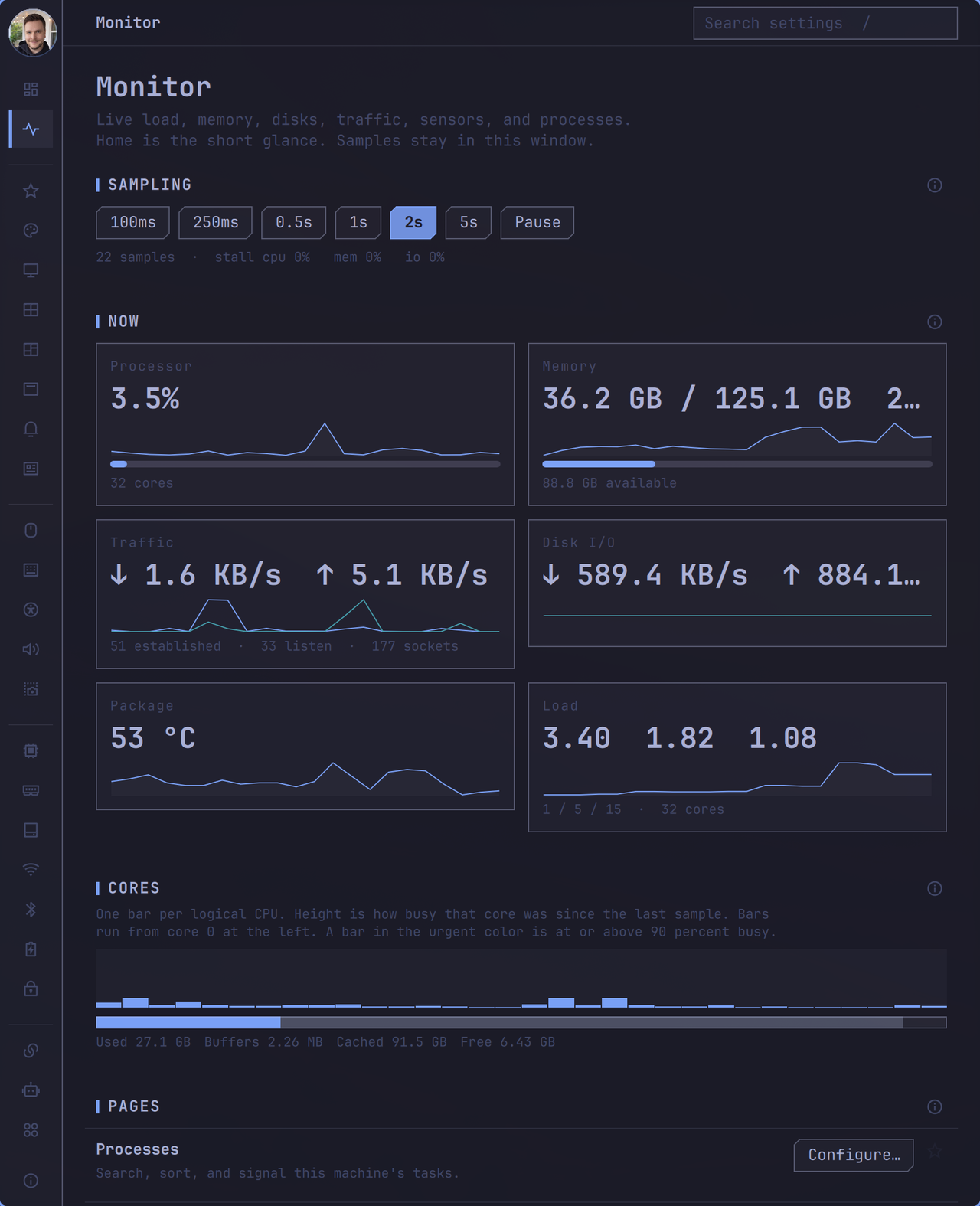
Monitor — live cores, I/O, and sensors -
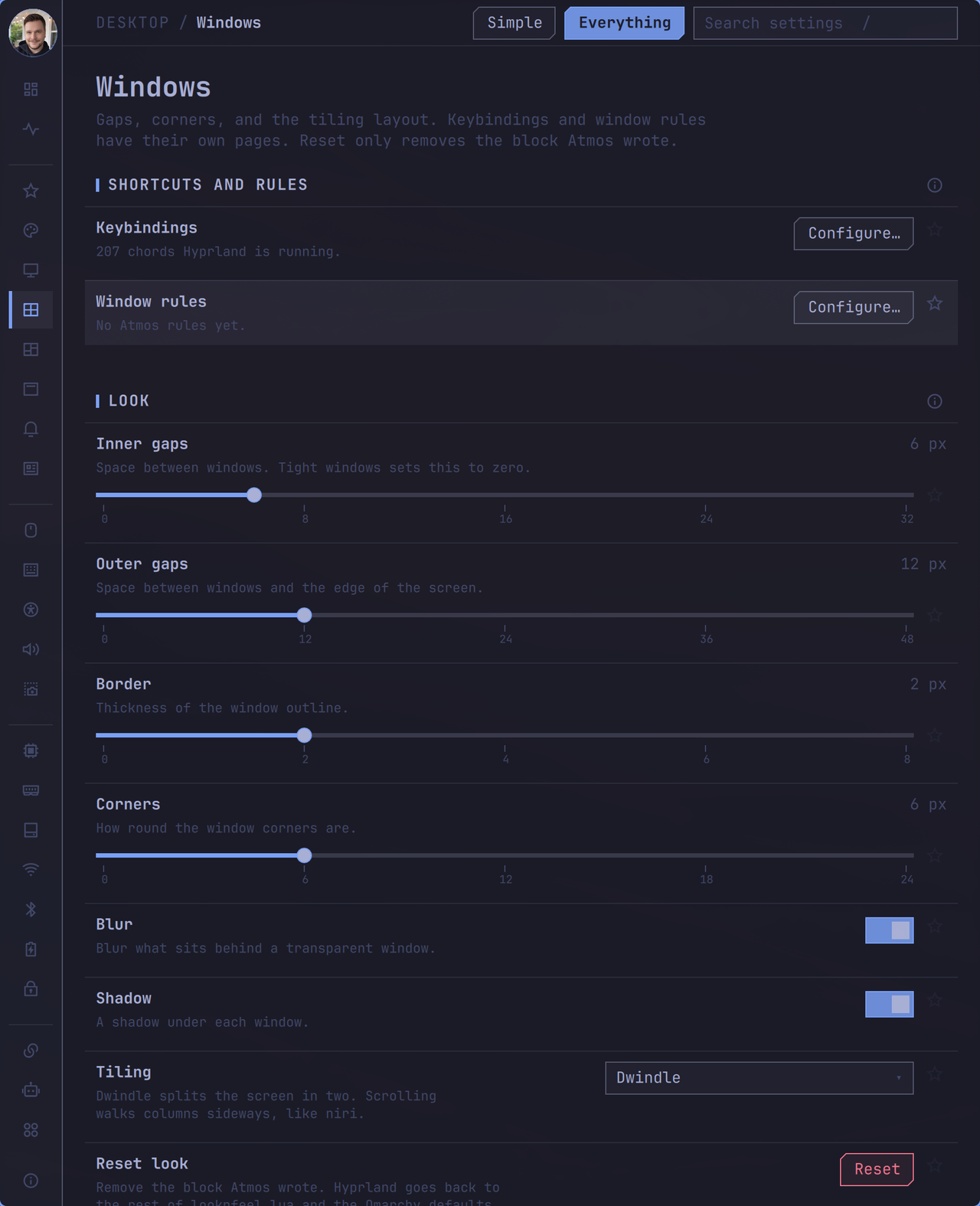
Windows — gaps, borders, tiling -
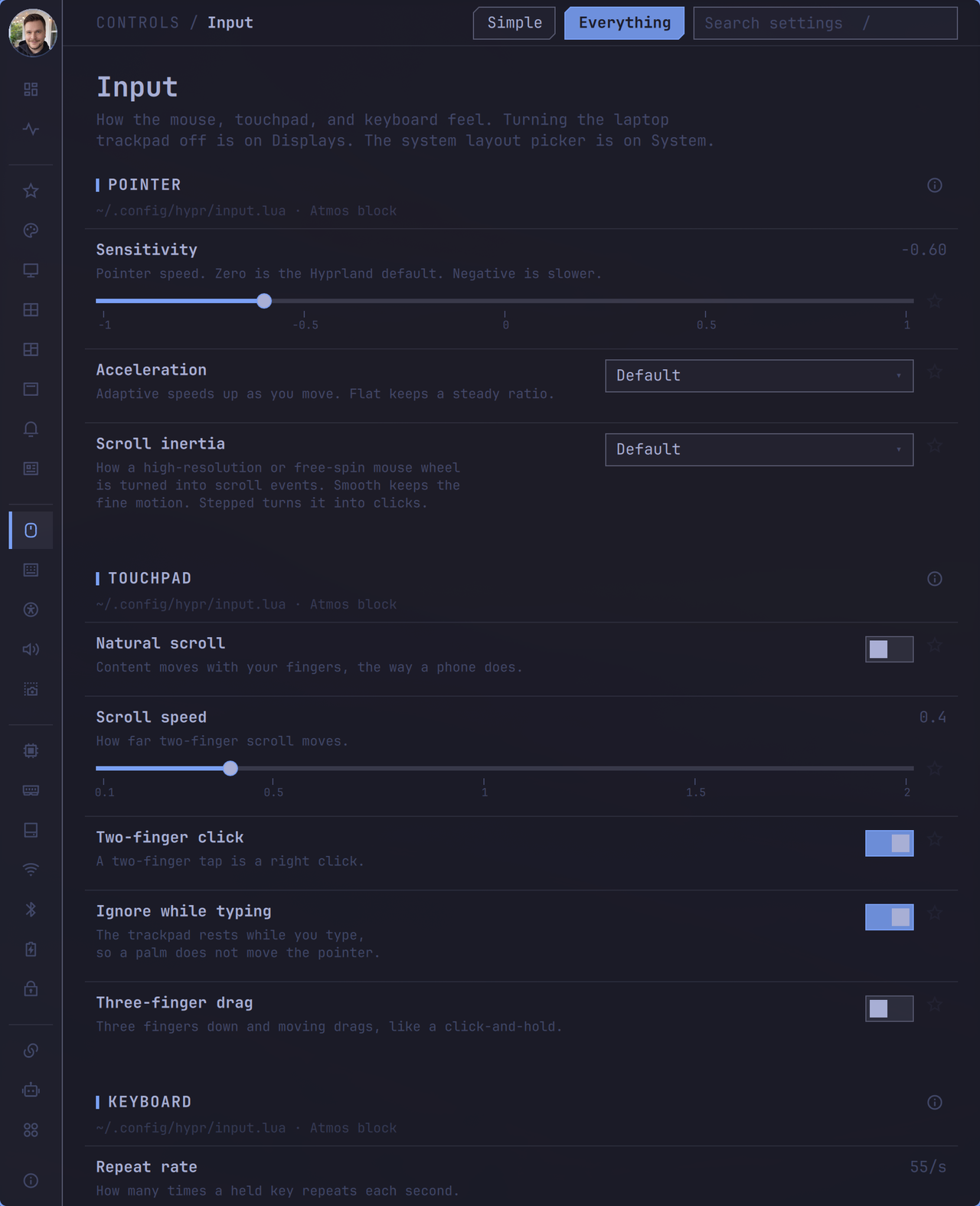
Input — pointer, touchpad, keyboard -
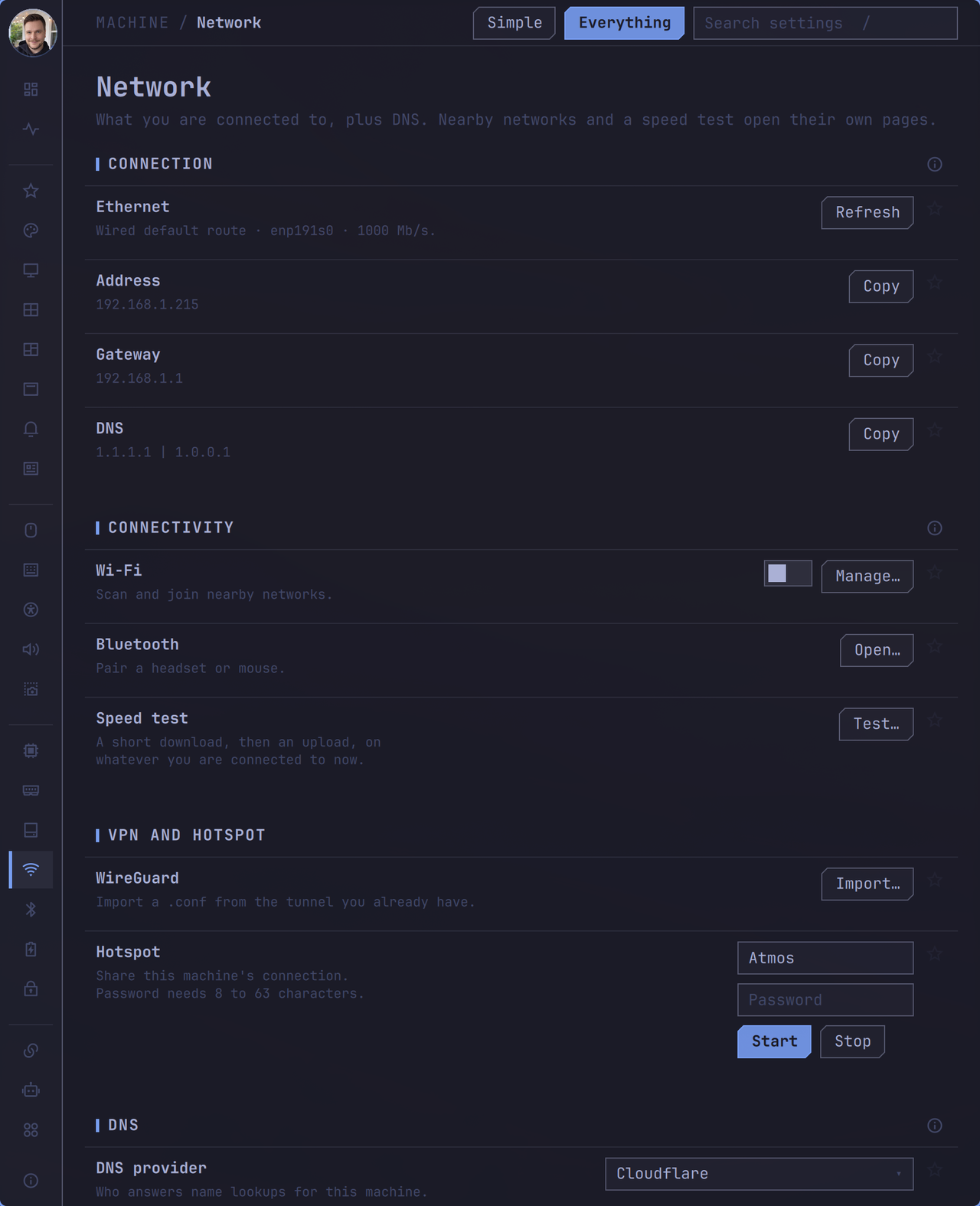
Network — connection, Wi-Fi, VPN, DNS -
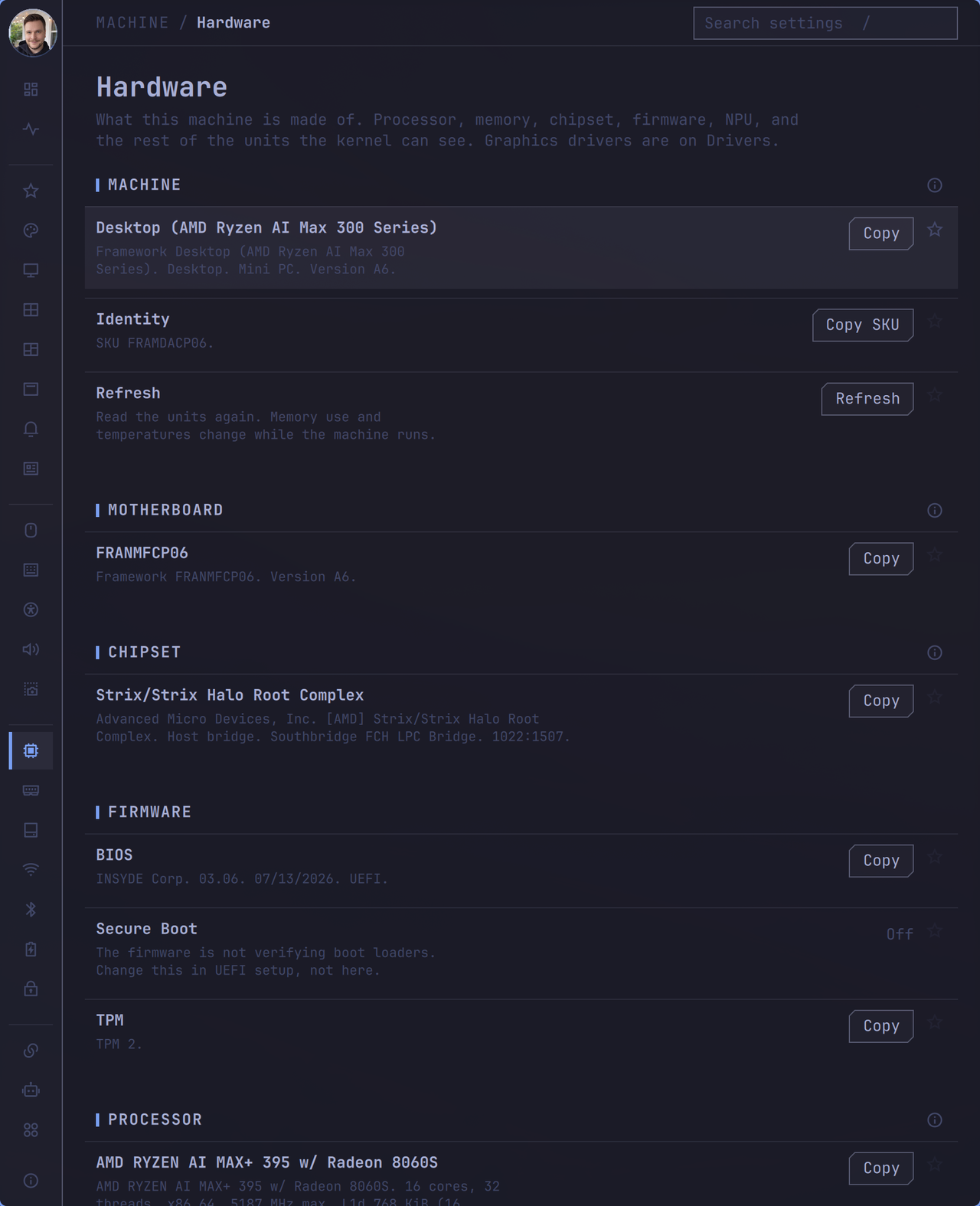
Hardware — what this machine is made of -
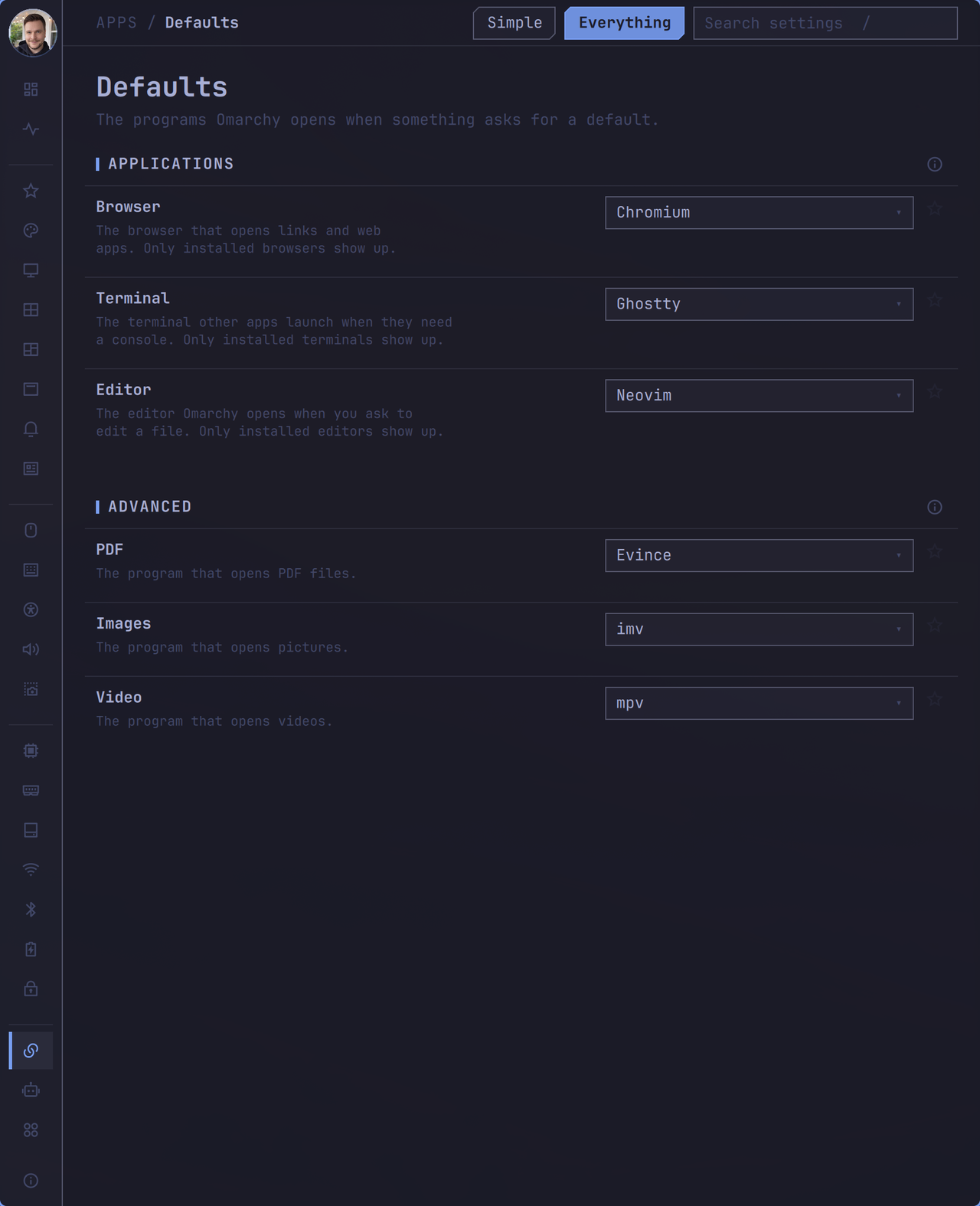
Defaults — browser, terminal, editor
Install
Needs an Omarchy session (Hyprland), plus
git, cargo, and
quickshell. Put ~/.local/bin on your
PATH.
curl -fsSL https://raw.githubusercontent.com/csfh/atmos/stable/install.sh | bash
-
That copies the launcher to
~/.local/bin, the app to~/.local/share/atmos, a desktop file, and the Hyprland drop-in. From a clone,./install.shdoes the same thing. - Run
atmos, or open Atmos from the app launcher. -
Optional: land on a page —
atmos appearance,atmos windows/bindings,atmos network/wifi.
Update from System → Atmos (Check / Update follows
the stable branch), or run the install command again. If
the window looks the same after an update, quit Atmos and open it
again.
Notes
- A Hyprland reload warning after I change look, input, or displays
-
Atmos writes the file, then runs
hyprctl reload. A failed reload does not undo the write. If Hyprland already has config errors, look / input / monitor / workspace writers printhyprctl configerrorsand the apply can look failed even though the file changed. Open System → Diagnostics for those errors. A dirty config still runs; the errors are why a bind or monitor rule did not apply. atmosis not found-
The installer puts a wrapper in
~/.local/bin. Add that directory toPATH, or run~/.local/share/atmos/bin/atmos. - The window does not tile, or Hypr says
hypr.atmosis missing -
Install writes
~/.config/hypr/atmos.luaand requires it fromhyprland.luanext tohypr.omafetch, beforedefault.hypr.toggles. Diagnostics reports when that require is missing. Re-runinstall.shor restore Hyprland defaults from System (the Atmos require is written back). - Display or input changes snap back
- Mode, scale, rotation, refresh, keyboard layout, and turning the touchpad off apply immediately and revert after 12 seconds unless you press Keep. Escape reverts too. Quitting Atmos during those 12 seconds leaves the new setting in place.